
How to Switch from Spotify to Tidal: A Step-by-Step Guide
The recent controversy surrounding Spotify’s ICE recruitment advertisements has prompted many users to reconsider their streaming service choice. Whether you’re concerned about the ethical implications of these ads, prefer to support a U.S.-based company, or simply appreciate high-quality audio, switching from Spotify to Tidal is advantageous and easier than you might think.
Understanding the Spotify ICE Controversy
In 2025, Spotify faced significant backlash after running recruitment advertisements for U.S. Immigration and Customs Enforcement (ICE). These ads, which referred to “dangerous illegals” and encouraged people to become ICE agents with messages like “Fulfill your mission to protect America,” sparked widespread criticism for their language and portrayal of immigrants.
The controversy led to:
- Calls for boycotts across social media
- Mass subscription cancellations
- Artists pulling their music from the platform
- Public debates about corporate responsibility and advertising ethics
While Spotify stated the ads complied with their advertising policies and were part of a broader government initiative aired across various media platforms, many users felt the company’s decision contradicted their values.
At Zero2Webmaster, we oppose government overreach, support equal rights and rule of law, and stand firmly against violence—especially when committed by masked, armed government agents. We believe companies should carefully consider the ethical implications of their advertising partnerships and the messages they amplify.
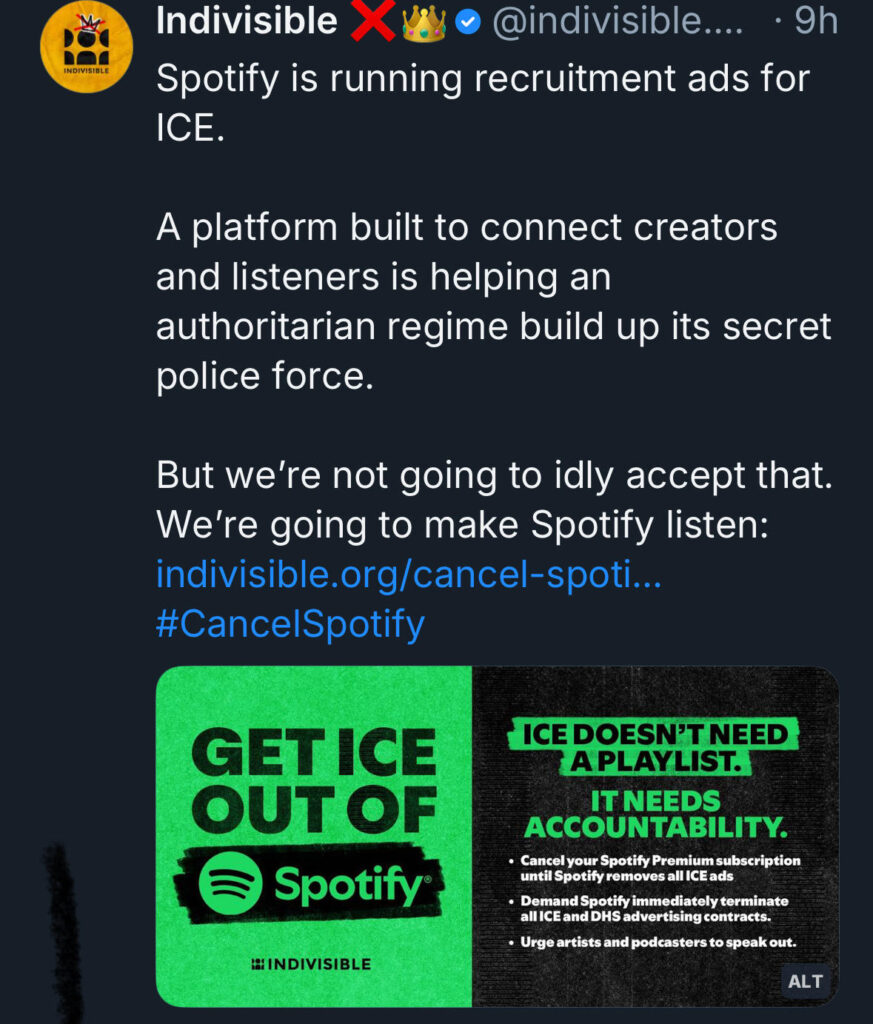
Read Indivisible’s page about Spotify and ICE.
Why Tidal Is a Compelling Alternative
Tidal offers several advantages for users considering a switch:
Higher Audio Quality
Tidal provides superior sound quality compared to Spotify, with HiFi and HiFi Plus tiers offering lossless audio. For audiophiles and music professionals, this difference is significant. Musicians like Zero2Webmaster Founder Dr. Kerry Kriger (creator of BansuriBliss.com) particularly appreciate the enhanced audio fidelity that Tidal delivers.
Support for Artists
Tidal has consistently emphasized higher royalty payments to artists, making it a more artist-friendly platform.
U.S.-Based Company
While Spotify is headquartered in Stockholm, Sweden, Tidal is based in the United States. For American users who prefer supporting domestic companies, this is a meaningful distinction.
Similar Music Library
Tidal boasts a catalog of over 100 million songs, comparable to Spotify’s selection. Most users find that nearly all their favorite music is available on Tidal.
Competitive Pricing
Tidal offers various subscription tiers at competitive prices, often with promotional trials for new users.

Tidal doesn’t have the coolest logo ever created, but their streaming service is excellent, ethical, and USA-based.
The Easy Way to Transfer Your Playlists: Tune My Music
The biggest obstacle to switching streaming services has traditionally been losing your carefully curated playlists. Fortunately, services like Tune My Music make the transfer process simple and affordable.
What Is Tune My Music?
Tune My Music is a playlist transfer service that moves your music collections between streaming platforms. It supports transfers between Spotify, Tidal, Apple Music, YouTube Music, Amazon Music, and many other services.
The Transfer Process
Here’s how the transfer works:
Step 1: Sign Up for Tune My Music
Visit the Tune My Music website and create an account. The service offers a one-time transfer fee of $5.99, which allows you to move all your playlists from Spotify to Tidal.
Step 2: Connect Your Spotify Account
Authorize Tune My Music to access your Spotify playlists. The service will scan your account and identify all your saved playlists, liked songs, and albums.
Step 3: Choose Tidal as Your Destination
Select Tidal as the platform you want to transfer your music to. If you don’t have a Tidal account yet, you can sign up for a free one month trial or pay $2 for 60 days.
Step 4: Initiate the Transfer
Start the transfer process. Tune My Music will match your Spotify tracks with their Tidal equivalents and create corresponding playlists in your Tidal account.
Step 5: Review the Results
After the transfer completes, Tune My Music provides a detailed report showing:
- How many songs were successfully transferred
- Which songs couldn’t be found on Tidal
- Which playlists were created
Most users report transfer success rates of approximately 95% or higher—the vast majority of tracks are available on both platforms.
Real-World Experience: A Successful Switch
Zero2Webmaster Founder Dr. Kerry Kriger is a professional musician (visit BansuriBliss.com to hear his work and see the music website he built); he recently made the switch from Spotify to Tidal following the ICE advertisement controversy.
His experience demonstrates the financial and practical benefits:
Cost Breakdown:
- Tune My Music transfer fee: $5.99
- Tidal 60-day trial: $2.00
- Total initial cost: $7.99
Savings:
- Two months of Spotify Premium: $21.98
- Net savings: $14.00 (even after paying for the transfer and new service)
The transfer successfully moved approximately 95% of his playlists to Tidal. The remaining 5% of tracks were either unavailable on Tidal or didn’t have exact matches—a minor inconvenience that most users find acceptable given the overall success rate.
Importantly, even after canceling his paid Spotify subscription, his original playlists remain accessible through Spotify’s free tier—though he no longer plans to use the platform.
How to Cancel Your Spotify Subscription
Once you’ve successfully transferred your playlists to Tidal, you may want to cancel your Spotify subscription. Here’s what to expect:
Cancellation Process
- Contact Spotify Support
You can cancel through Spotify’s website or by contacting their customer service team. - State Your Reason
When canceling, you can provide feedback about why you’re leaving. This helps Spotify understand customer concerns, though changes in policy aren’t guaranteed. - Potential Chat Limitations
Some users have reported that Spotify support representatives may terminate chat sessions when specific controversies are mentioned. This appears to be a trained response to avoid prolonged discussions about sensitive topics. However, you can still request cancellation without detailed explanations if you prefer. - Request Confirmation
Make sure you receive confirmation that your subscription has been canceled and note when your paid access will end. - Remove the App
After canceling, consider removing the Spotify app from your devices to avoid accidental usage and to complete your transition to Tidal.
Your Playlists Remain Accessible
Even with a canceled paid subscription, your original Spotify playlists remain viewable through Spotify’s free tier. However, free accounts have limitations including ads and restricted features.
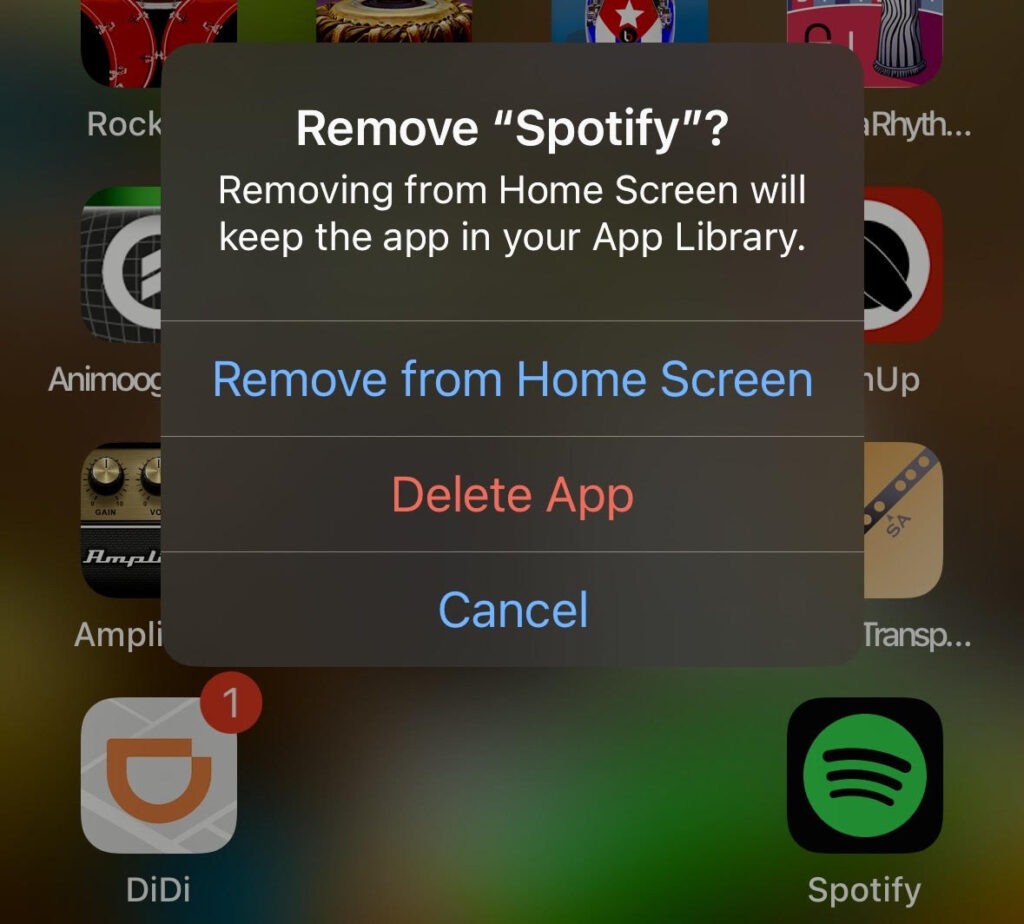
Goodbye Spotify!
Why Mass Cancellations Matter
Individual subscription cancellations might seem insignificant, but collective action creates meaningful pressure for change. When substantial numbers of users cancel subscriptions and clearly communicate their reasons, companies take notice.
History has shown that mass cancellations influence corporate decisions:
- They directly impact revenue and shareholder value
- They create negative publicity that affects brand perception
- They demonstrate that customers have alternatives and aren’t captive audiences
- They send clear signals about which corporate actions are unacceptable to consumers
Whether or not Spotify changes its advertising policies, your individual choice to support companies whose values align with yours is meaningful. You’re voting with your wallet and supporting platforms that better reflect your principles.
Making the Switch: A Summary
If you’re considering leaving Spotify for Tidal, here’s a quick recap:
Why Switch:
- Ethical concerns about Spotify’s advertising choices
- Higher audio quality on Tidal
- Support for a U.S.-based company
- Better artist compensation
- Comparable music library
How to Transfer:
- Use Tune My Music ($5.99 one-time fee)
- Transfer takes minutes to complete
- Approximately 95% of tracks transfer successfully
- Your original Spotify playlists remain accessible even after canceling
Cost Considerations:
- Tidal often offers promotional trials ($2 for 60 days)
- Transfer fee and trial cost less than continuing Spotify
- Net savings in the first two months alone
The Result:
A seamless transition to a platform with higher audio quality, better artist support, and corporate policies that may better align with your values.
The Bottom Line
You don’t have to sacrifice your carefully curated music collection to make an ethical choice about which streaming service to support. Services like Tune My Music make switching platforms simple, affordable, and fast.
Whether you’re a casual listener or a professional musician like Dr. Kerry Kriger, Tidal offers a compelling alternative to Spotify with superior audio quality, competitive pricing, and an extensive music library. The recent controversy surrounding Spotify’s ICE advertisements has prompted many users to reconsider their streaming service choice—and discover that switching is easier than they thought.
Your subscription dollars are a form of support. Choose to support platforms whose values and actions align with your own.
Ready to make the switch? Visit Tune My Music to transfer your playlists today, and experience the superior audio quality and artist-friendly approach that Tidal offers.
Keywords: Spotify to Tidal, switch streaming service, transfer Spotify playlists, Tune My Music, Spotify ICE controversy, Tidal vs Spotify, cancel Spotify, music streaming alternative, playlist transfer, ethical streaming